On this page
- What is low code app development?
- Low-code vs no-code vs traditional development
- What you can build with low-code
- What you cannot build well with low-code
- Popular low-code platforms
- What low code app development costs
- Which approach fits your project?
- Hidden costs and traps
- When low-code is the wrong choice
- Frequently asked questions
- Is low-code the same as no-code?
- Do I need to know how to code to use low-code?
- What can you not build with low-code?
- How much does low code app development cost?
- Can a low-code app scale as the business grows?
Quick answer: Low code app development is a way to build software with visual drag-and-drop tools and ready-made parts, writing only small amounts of code where a project needs something custom. It sits between no-code, which uses no code at all and suits simpler apps, and traditional development, where developers write everything by hand. Companies use it to build internal tools and customer portals in days or weeks instead of months. The trade-off is less control, plus a licence cost that grows with every user.
Every company keeps a list of small apps it needs: an approval form, a stock checker, a simple portal for clients. The development team never reaches them, because bigger projects eat the calendar. Low-code exists to clear that backlog. This guide explains what it is, how it compares with no-code and hand-written code, what it can and cannot build, what it costs, and when to avoid it.
What is low code app development?
Microsoft describes low-code development as “a method of creating software applications with less coding than traditional code-first development”, using visual tools, drag-and-drop features, and automation. Google Cloud makes the same point: these tools let more people on the team build apps, instead of waiting for scarce developers.
A typical build works like this. You connect the platform to your data, such as a spreadsheet, database, or CRM. You drag screens together from ready-made parts: forms, tables, buttons, charts. You set the rules visually, for example “if the amount is over 500, send it to a manager”. You add small pieces of real code only where the ready-made parts run out, such as an unusual calculation or a link to an old system. Then you publish, and the platform handles the hosting, the logins, and the updates.
Two kinds of people build this way. Professional developers use low-code to skip the boring parts and ship standard apps faster. Business staff with some technical skill, often called citizen developers, build simpler apps for their own teams, inside guardrails set by IT. Both still need to understand data and logic. Low-code removes typing, not thinking.
Low-code vs no-code vs traditional development
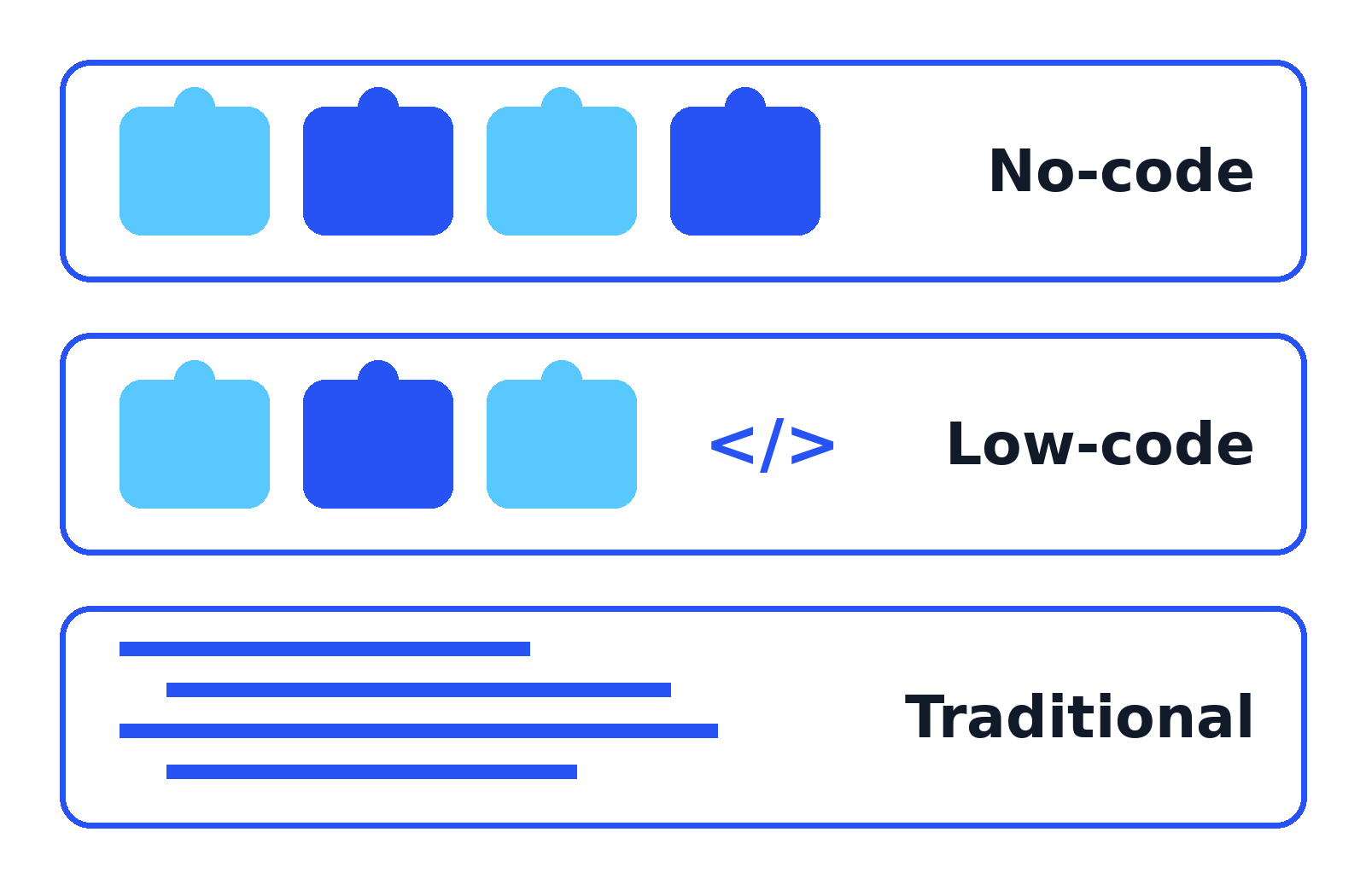
The three approaches form a ladder: each step up adds control, cost, and skill demands.
| Factor | No-code | Low-code | Traditional development |
|---|---|---|---|
| Speed | Fastest for simple apps, often hours or days | Fast, usually days or weeks | Slowest, usually weeks or months |
| Cost shape | Low monthly fee per app or per user | Monthly licence per user, per builder, or per platform | High upfront build cost, then hosting and upkeep |
| Skills needed | None, aimed at business users | Some technical skill; a little code for custom parts | Professional developers |
| Flexibility | Limited to the templates and parts provided | High for business apps, with code as an escape hatch | Total, anything that can be programmed |
| Maintenance | The vendor updates the platform for you | The vendor updates the platform; you maintain your app logic | Your team maintains everything |
| Best for | Simple forms, trackers, and small team apps | Internal tools, portals, and workflow apps | Products, public apps, and unusual or complex systems |
| Hard limits | Hits a wall when an app needs custom logic or design | Platform ceilings on performance, design, and data volume | No platform ceiling; the limits are budget and time |
Microsoft sums up the same trade: low-code cuts cost and leans on templates and automation, while traditional development needs skilled professionals but allows deeper customisation and easier scaling. Many companies mix the approaches: low-code for internal tools, traditional code for the product customers buy.
What you can build with low-code
Low-code is at its best on business apps with a known shape: data in, rules applied, people approving or checking.
- Internal tools and admin panels: screens your team uses to search, edit, and manage business data.
- Approval and workflow apps: leave requests, expense claims, purchase approvals. These run on business days, not calendar days, and low-code handles the routing and reminders well.
- Customer and partner portals: a login where clients track orders, download invoices, or update their details, built on data you already hold.
- Field data collection: inspection forms, delivery logs, and site reports on a phone, with photos and barcode scans, that work offline and sync later.
- Dashboards and reports: live views over your existing databases and spreadsheets.
- Prototypes and first versions: a working app to test an idea with real users before paying for a full build.
- Extensions to big systems: small apps that sit on top of your CRM or accounts package and fill a gap.
What you cannot build well with low-code
Vendors rarely list the weak spots. Low-code struggles when:
- The app is the product. A public consumer app lives or dies on unique design, speed, and polish. Platform templates and shared hosting work against all three.
- Traffic or data volume is extreme. Visual logic and platform limits can slow very heavy screens or millions of records in ways you cannot tune, because the engine is not yours.
- The work is unusual under the hood. Games, real-time media, heavy number crunching, and custom hardware control need code written for that job.
- Auditors need the full code path. In strict regulated settings, such as the core of a payments system, reviewers may need to inspect every line of code and every data move. A closed platform engine makes that hard.
- The one feature you need is not exposed. If the platform lacks a capability and gives no way to extend it, the project stops.
Low-code is a tool with a shape. Use it inside that shape and it is excellent value.
Popular low-code platforms
Six names cover most of the market, and the right choice usually follows the systems you already run.
Microsoft Power Apps. Part of Microsoft’s Power Platform, and the natural pick for companies already on Microsoft 365. It builds canvas apps (free-form screens) and model-driven apps (built from the data model) over Microsoft Dataverse and its connector library. Its official pricing page lists a free Developer Plan for building and testing, a Premium licence priced per user for running unlimited apps, and a pay-as-you-go option billed through Azure for variable use.
Google AppSheet. Google’s data-first platform, which Google itself labels no-code. It turns spreadsheets, its own database, and SQL sources into mobile and web apps, and it is strong on field work because apps work offline. Its official pricing page shows per-user plans (Starter, Core, and Enterprise tiers, plus a per-app Publisher Pro option for public apps), free prototyping with up to 10 test users, and notes that Core is included with some Google Workspace subscriptions.
Retool. Built for internal tools rather than public apps. You drag components onto a canvas, wire them to databases and APIs, and drop into JavaScript and SQL for custom logic. Its official pricing page charges separately for builders and for internal users, starts with a free plan for up to 5 users, and reserves self-hosting for its Enterprise tier.
Mendix. Siemens’ platform, aimed at larger companies building portfolios of apps. It uses visual, model-driven development, and Mendix stresses that the platform is open and extensible, with custom code, open APIs, and a model SDK for teams that outgrow the visual tools. Pricing is a platform subscription, with a free tier for learning and small apps.
OutSystems. An enterprise platform for professional developers. Its OutSystems Developer Cloud pairs visual, model-based building with a cloud-native architecture, automated deployment, and custom code extensions. Paid plans are quote-based and priced around users and app capacity, which puts it in big IT budgets rather than team budgets.
Salesforce Platform. The low-code layer inside Salesforce, including Lightning App Builder for pages and Flow for automation. Salesforce’s own low-code guide presents it as the fast way to build on CRM data. It makes most sense when your customer data already lives in Salesforce and the app extends it.
What low code app development costs
Traditional development charges you for people: developers build the app, and you keep paying for hosting and fixes. Low-code flips the shape. The build is cheaper, but the platform is a subscription that never stops, usually priced around people.
The models you will meet are:
- Per user: every person who runs the app needs a licence. Power Apps Premium and AppSheet work this way. Cheap for a 15-person team, a serious line item for 2,000 people.
- Per builder plus per user: builders cost more, viewers cost less. Retool prices this way, suiting tools built by a few and used by many.
- Per app: a fee for each app in production, sometimes combined with a user count. AppSheet’s Publisher Pro is a per-app option for public apps without sign-in.
- Platform subscription: one enterprise contract for the platform itself, as with Mendix and OutSystems, quoted around apps, users, and environments.
Free tiers exist on all six platforms above, fine for learning and prototypes. The real budget question is the steady state: your true user count in year two, on the tier with the connectors and controls you need. Model that number before you fall in love with the demo.
Which approach fits your project?
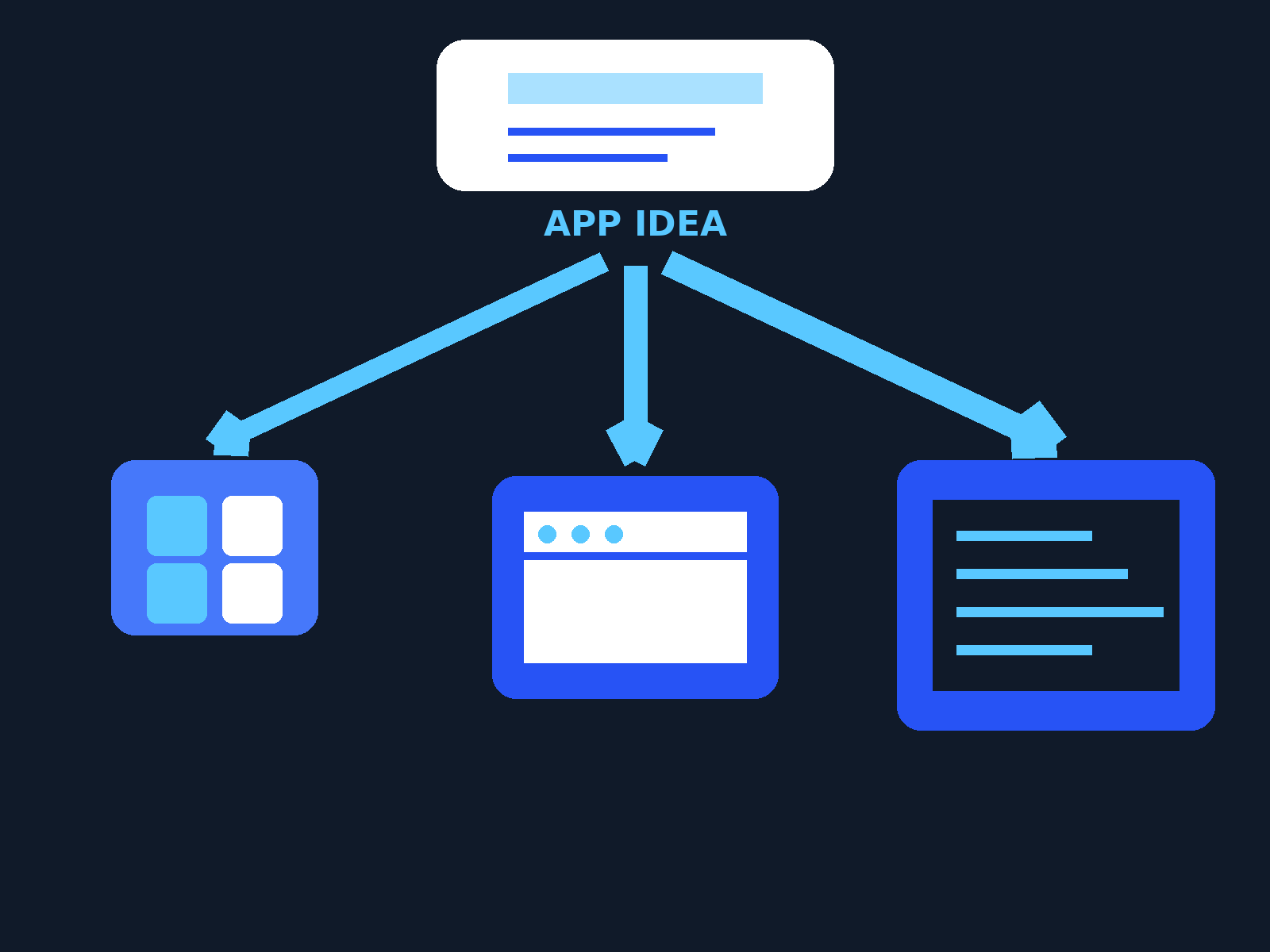
Match the project to the approach before you compare platforms.
| Scenario | Recommended approach | Why |
|---|---|---|
| Internal approval app (leave, expenses, purchases) | Low-code | Standard forms and routing; speed matters more than unique design |
| Customer portal over data you already hold | Low-code | Portals are a built-in strength of the big platforms, with logins and security included |
| Field data collection (inspections, photos, offline work) | Low-code | Mobile forms, barcode scans, and offline sync come ready-made, AppSheet style |
| Company-wide internal tool for hundreds of staff | Low-code, after licence maths | The build is fast; the per-user bill is the real decision |
| Prototype to show investors or test an idea | No-code or low-code | You are testing an idea, not building the final system; rebuild later if it works |
| Public consumer app that is your product | Traditional | Design, performance, and store polish are the product; platform limits will fight you |
| Complex fintech workflow (payments, strict audit) | Traditional for the core | Regulators and auditors need full control of the code and the data path |
Hidden costs and traps
The licence page is not the whole bill. Watch for these:
- ☐ Per-user growth: a per-user licence feels small at pilot size. Multiply it by your real headcount and 12 months before signing.
- ☐ Every user counts: someone who opens the app once a month still needs a licence, and AppSheet counts guest users by device, which can inflate the number.
- ☐ Premium connectors and tiers: the connector, storage, or security control you need may sit in a higher tier than the demo.
- ☐ Vendor lock-in: an app built in a platform’s visual language usually cannot be exported as normal code. Leaving means rebuilding the app, so price that risk in.
- ☐ Performance ceilings: shared platform resources and visual logic can slow very heavy screens; test with realistic data early.
- ☐ Shadow IT and sprawl: easy building means duplicate apps, messy data, and no owner. Set simple rules for who can publish what.
- ☐ The subscription is forever: stop paying and the apps stop running. These licences are rent, not a purchase.
When low-code is the wrong choice
Skip low-code, or plan a traditional build from the start, when the app is the product you sell, when you need complete control over performance or code, or when the process is likely to outgrow the platform within a year and a rebuild would cost more than building properly once. Also skip it at the other end: if a shared spreadsheet or a simple form does the job, a platform is money spent on a problem you do not have.
Used in the right place, low code app development is the fastest honest route from “we need a small app” to a tool your team actually uses. Pick the approach by scenario, model the licence cost at your real user count, and keep one eye on the exit. While you plan, our free converter tools handle small jobs such as Base64 encoding in the browser, with no sign-up.
Frequently asked questions
Is low-code the same as no-code?
No. No-code platforms use visual tools only, and anyone can build with them. Low-code uses visual tools for most of the app but lets developers add real code for custom logic, integrations, and polish. That escape hatch is what makes low-code fit bigger business apps.
Do I need to know how to code to use low-code?
Not for a simple app. You can build forms, screens, and basic workflows by dragging and setting rules. Real projects go further with someone who understands data and a little code, such as formulas in AppSheet or JavaScript and SQL in Retool. Developer-focused platforms like Mendix and OutSystems assume more skill than beginner tools.
What can you not build with low-code?
One-of-a-kind public consumer apps where design and speed are the product, systems with extreme traffic or data volume, heavy real-time or graphics work, and regulated core systems where auditors need to inspect every line of code.
How much does low code app development cost?
It depends on the pricing model. Most platforms charge per user per month, per builder plus per user, per app, or as one platform subscription for larger companies. Free tiers cover learning and prototypes. Budget by taking your real user count at the tier you need, multiplying over a year, and adding training and platform ownership.
Can a low-code app scale as the business grows?
For internal tools and portals, yes: the big platforms run large app portfolios for large companies. The limits that show up first are cost, because per-user licences grow with headcount, and performance on very heavy screens or data. If an app becomes a core product, plan for a possible traditional rebuild.
Sources
- Microsoft Power Apps: What is low-code development?
- Google Cloud: Low-code vs. no-code
- Microsoft Power Apps: Low-code vs. traditional development
- Microsoft Power Apps: Pricing (free Developer Plan, Premium per user, pay-as-you-go)
- Google AppSheet: Pricing (Starter, Core, Enterprise, Publisher Pro; per user licensing)
- Retool: Pricing (per builder and per internal user plans)
- Mendix (Siemens): Open and extensible low-code platform
- OutSystems: OutSystems Developer Cloud
- Salesforce: What is low-code? The complete development guide

Jimmy
Jimmy is the editor behind TechyHunt. He covers business software, cybersecurity and practical tech how-tos, and leads testing for the site's free converter tools. His focus is clear, jargon-free guides that help readers make smarter tech decisions, faster.
Every article follows our Editorial Standards. Spotted an error? Tell us.